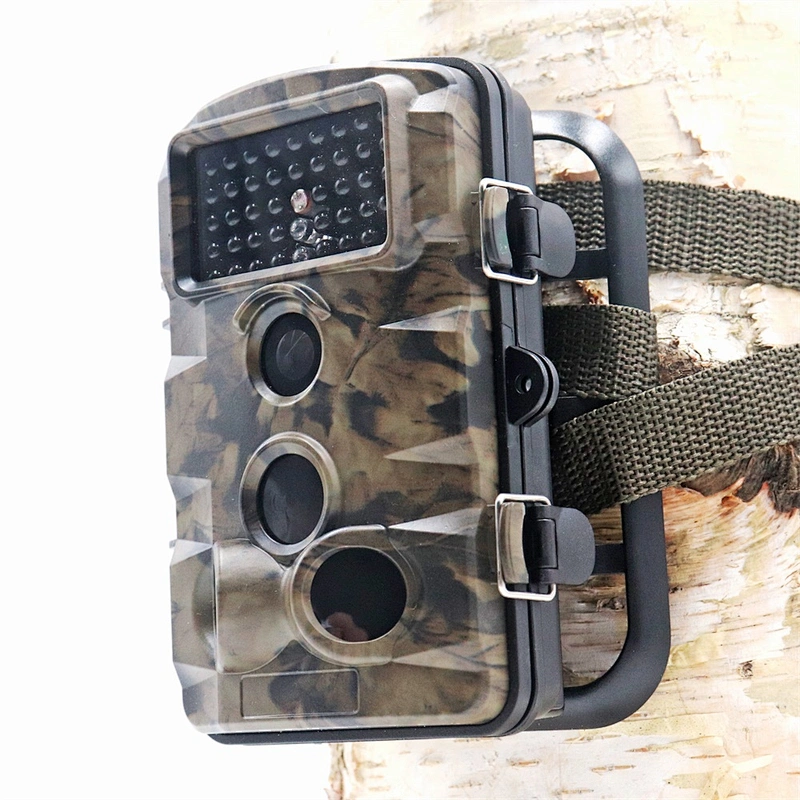
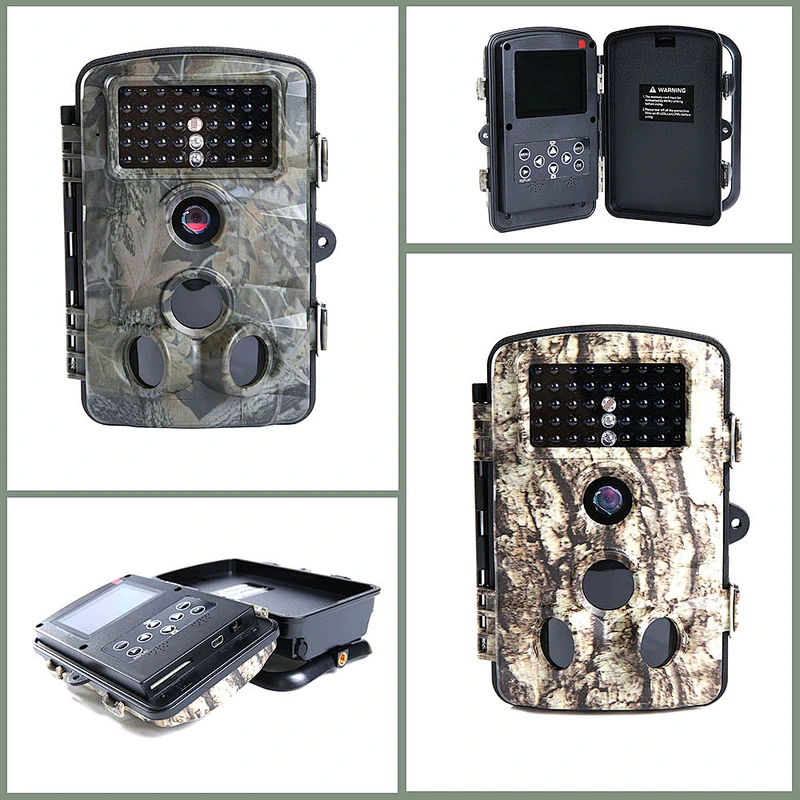
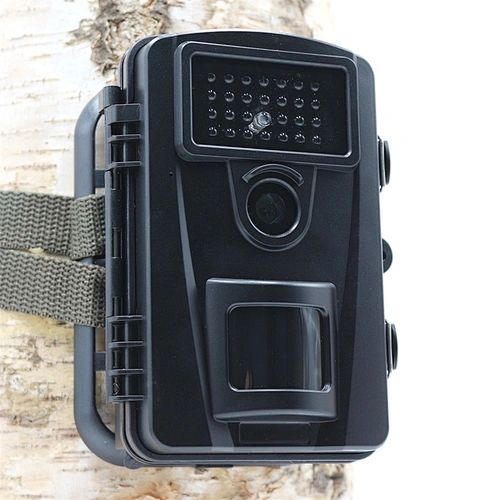
PH730A 1080P 12MP FHD IP56 Waterproof 0.2~0.6s Triggering time Night Vision Outdoor Camera
Key Features:
5MP image sensor
16MP photo resolution
1080P video resolution
2.4' LCD screen display
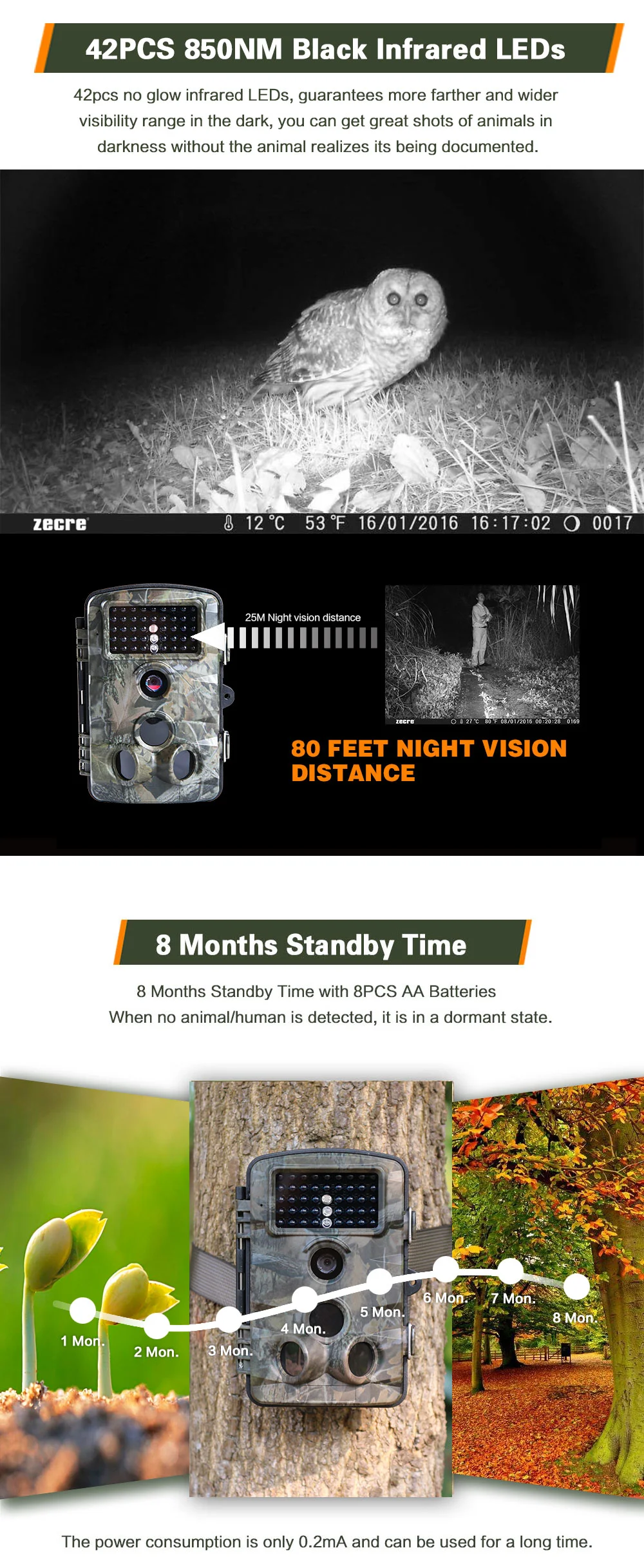
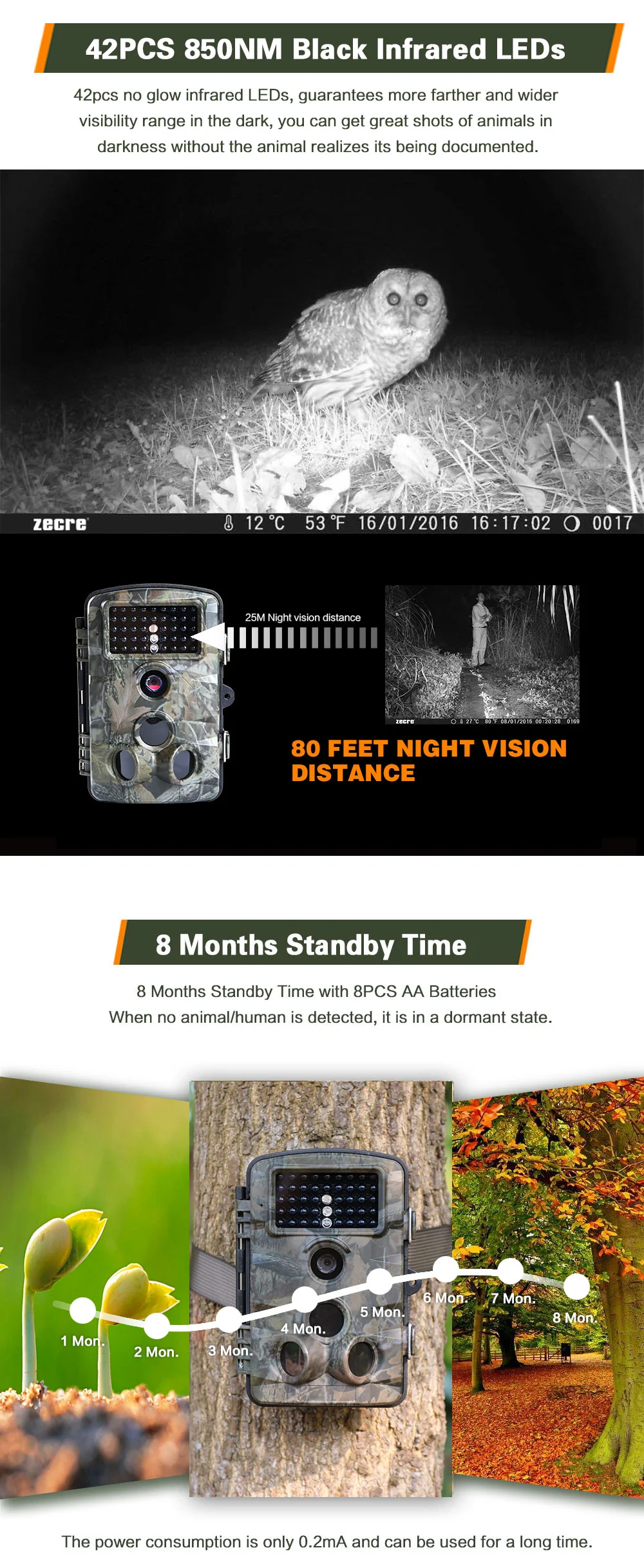
42 pieces 850NM IR LEDs
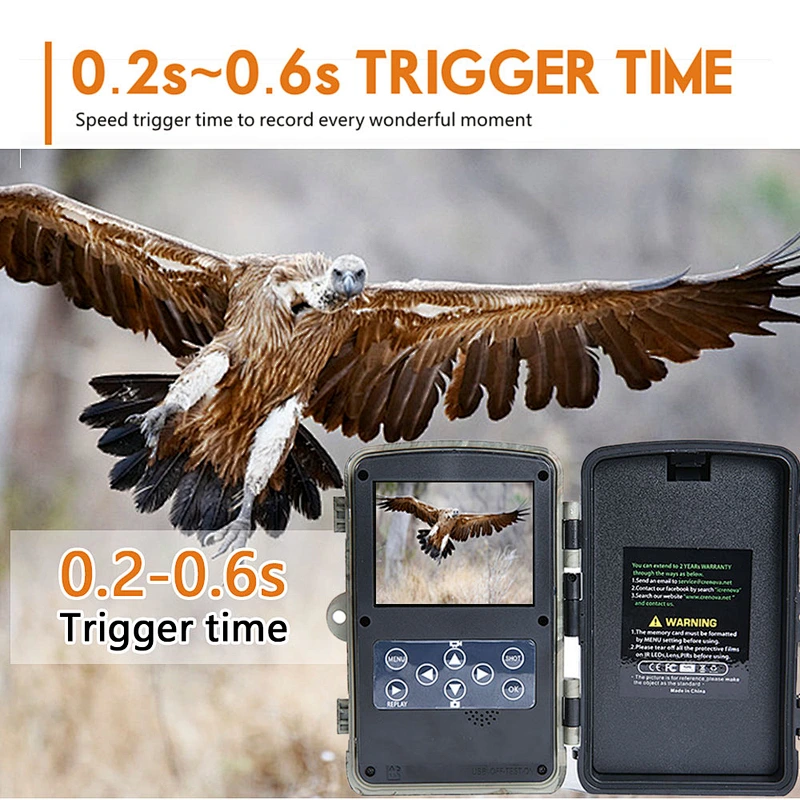
0.2 ~ 0.6 speed trigger time
8 months standby time
IP56 waterproof
PH730A Specifications:
Image sensor
1/2.5-inch 5MP (2592*1944) CMOS
photo resolution
12MP
8MP
5MP
3MP
Video resolution
1080P: 1920x1080P
720P: 1280x720P
D1: 720x480P
VGA: 640x480P
QVGA: 320x240P
File format
JPG/AVI(H.264)
TFT LCD Display Screen
2.4"TFT 480(RGB)*234DOT 16M color
Interface
External : TV out (NTSC/PAL,Mini USB) ; Mini USB ; SD card holder (SD card up to 32G) ; 6V DC Power Jack
Photo series
1 photo
2 photo in series
3 photo in series
Quantity of IR LED
42 pieces, 850NM Black
Range of IR flash
25m/80ft
Triggering distance
25m/80ft
Prep PIR sensing angle
120°
Triggering time
0.2 - 0.6 seconds
Trigger interval
5 seconds-60 minutes/programmable
Video length
1s- 60s , 1m-10 minutes/programmable
Mode
Photo/Video/Photo&Video
Photo stamp
Date&Time/Date/Off
Time-lapse
On/off/time-lapse programmable
Target recording time
0 second - 24 hours
Device serial no
4 digits or 26 alphabets set by user
Built-in microphone/speaker
Yes
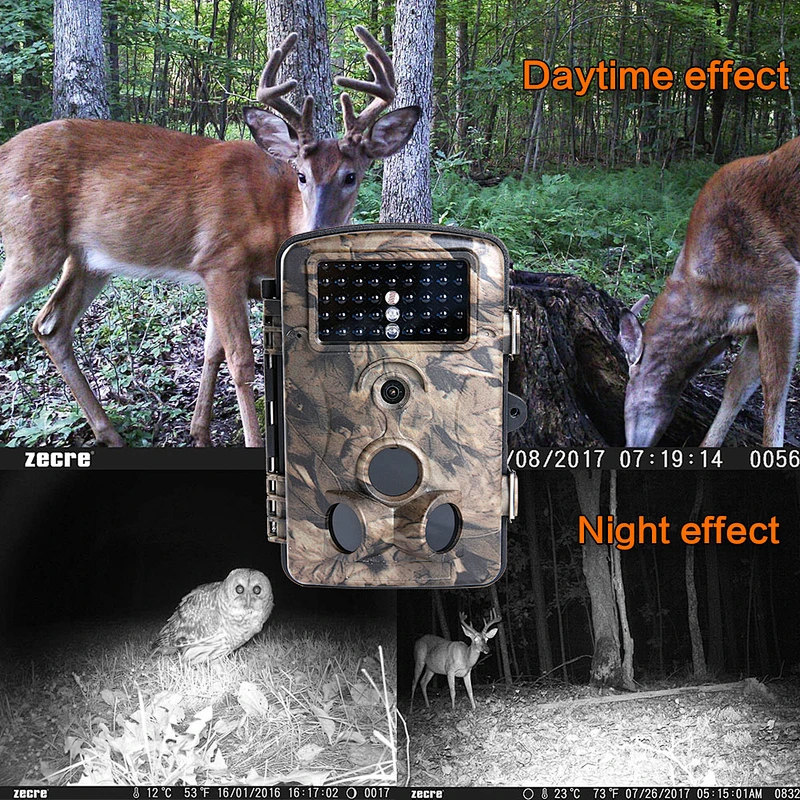
Auto-distinguish images
Color images in daytime/black and white night images
Automatic screen saver
in 2 minutes
Power supply
4-8 pieces AA batteries/DC 6V -1.5A power adapter
Standby time
Approx 12 months
Lockable
Optional
Password protection
4-digit numbers
Waterproof standard
IP56
Operating temperature
-20 to 60°C
Operating humidity
5%-90%
Accessory includes
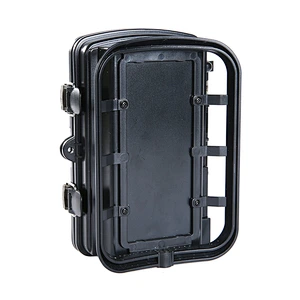
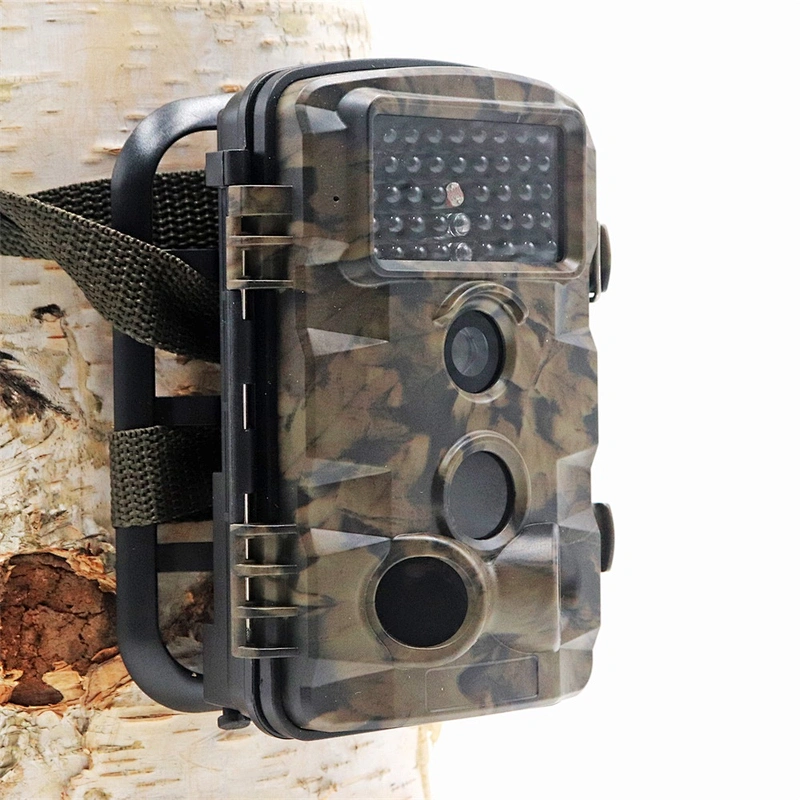
Mini USB cable, Audio&Video cable , Iron bracket, Bandage, Setscrews, User manual
Camera dimension
136 x 98 x 76mm
Camera net weight
270G
Gift box size
180*122*104mm
Carton size and weight
20PCS/CTN, 37.5*31.8*43.5cm, 14KG
Certificate
CE, ROHS, FCC, WEEE
Q: When I turn it on it starts counting down from 15 and then shuts off. Why? A: Please complete all the setting in"TEST"mode and then change it to"ON"mode for working. The LCD screen will count down from 15s and then shuts off to save the power and enter into detecting condition, during recording, no any button can work, any setting or operations must be done in"TEST"mode.
Q: The camera makes some clicking sound when it's working. A: When the camera detect a critical point of brightness and darkness, the IR CUT will try to switch, please move the lens to a brightness or darkness, it will stop switching and making clicking sound.
Q: How can I format my SD card? A: Please Kindly format your SD card by going to"TEST"mode, click"MENU"-"Setting"-"Format memory card".
Q: The camera won't turn on. A: Please check the battery if it was installed properly in a correct way, if you want to test the camera, make sure the switch is on the"TEST"mode (center). Also check the battery if it is in a power conditioned.
Q: The buttons are not working. A: Please try to switch off again the camera and turn it on again. If the problem stays, try to Reset the camera to default factory settings.
Q: It said SD card is Error. A: Upload the SD card. Please format the SD card at the first time of use, make sure it's unlocked. Also, make sure that the SD card is new and have enough storage available.
Q: The image is not clear. A: Please make sure that you remove the screen film protector from the factory to obtain clear images. Clean the lens with soft and dry fabrics.
Q: I did not get any good capturing results./Too many useless images A: Please check the sensitivity of your PIR sensors, as this function may responsible about capturing methods.
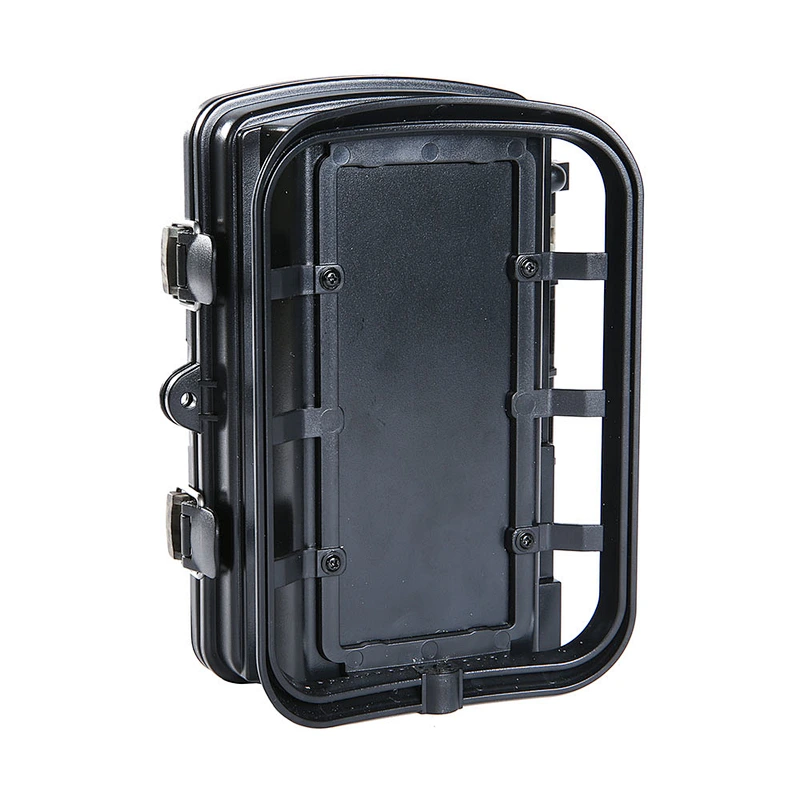
Q: I can't close the inner compartment. A: Please make sure that the closing parts has no dirt or any small things blocking on it or it was not broken.
Q: Can't recognize by the computer. A: Make sure that cable connector is working fine, no cuts and opening to avoid malfunctions.
Q: Photos do not capture subject of interest. A: There are the result of placing the camera in an environment where there is motion associated with tree branches creating motion or an area where there is high heat in the foreground and any motion from wind. Setting a camera up over water is also a potential cause from this issue. To remedy this situation: 1.Try moving the camera to an area that does not have any of these issue.
2.If the camera continues to take images of no interest subject, try placing the camera in an inside environment and aiming at a location where there is no motion.
3.If the camera continues to show issues, please contact our customer service.