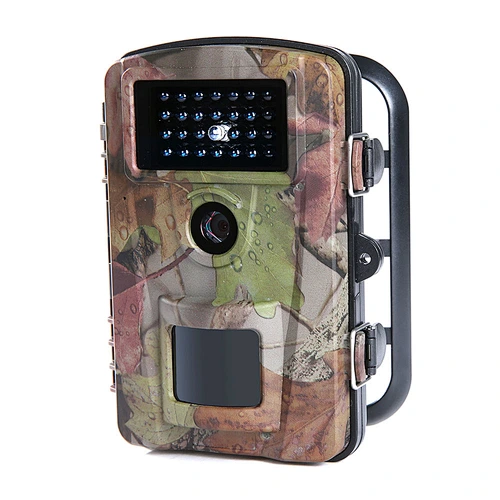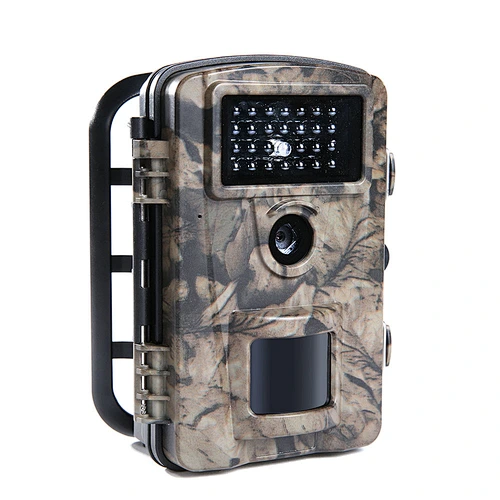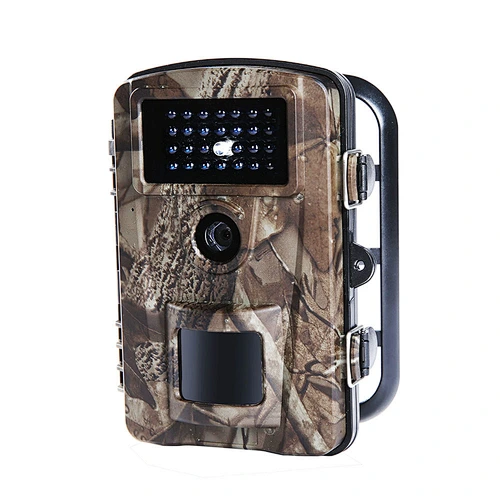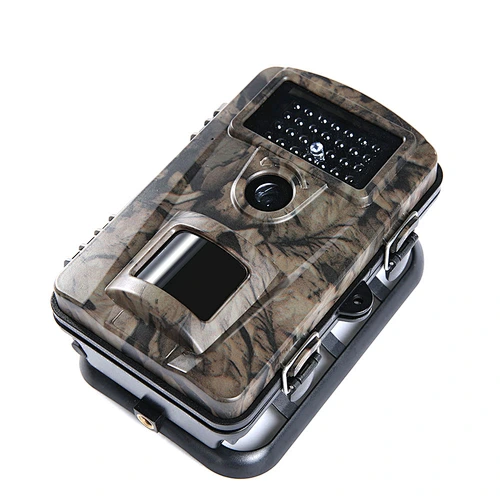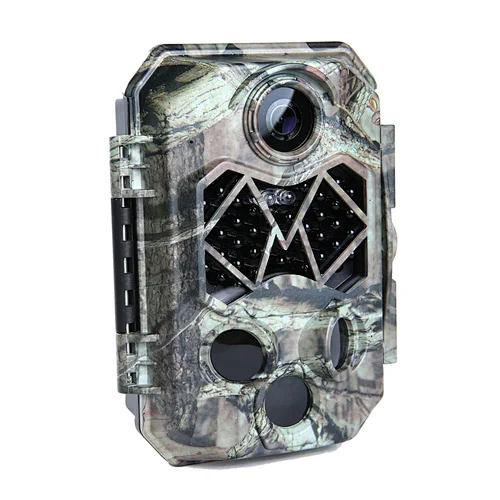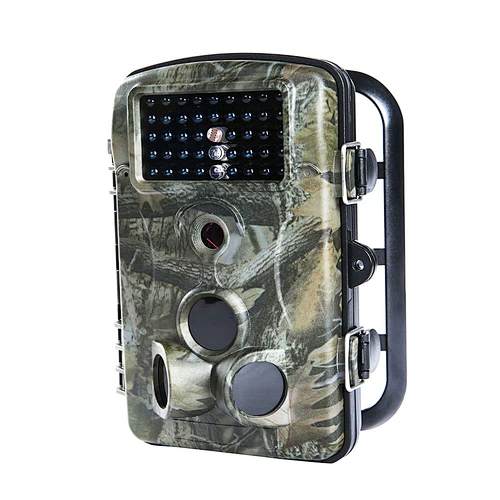



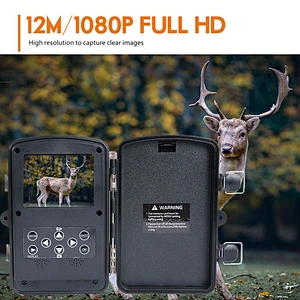


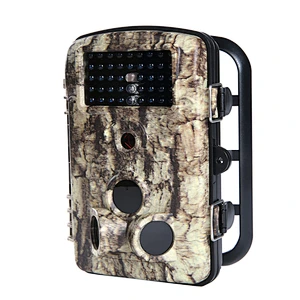



- Place of Origin:china
- Brand Name:Zecre
- Model Number:PH730A
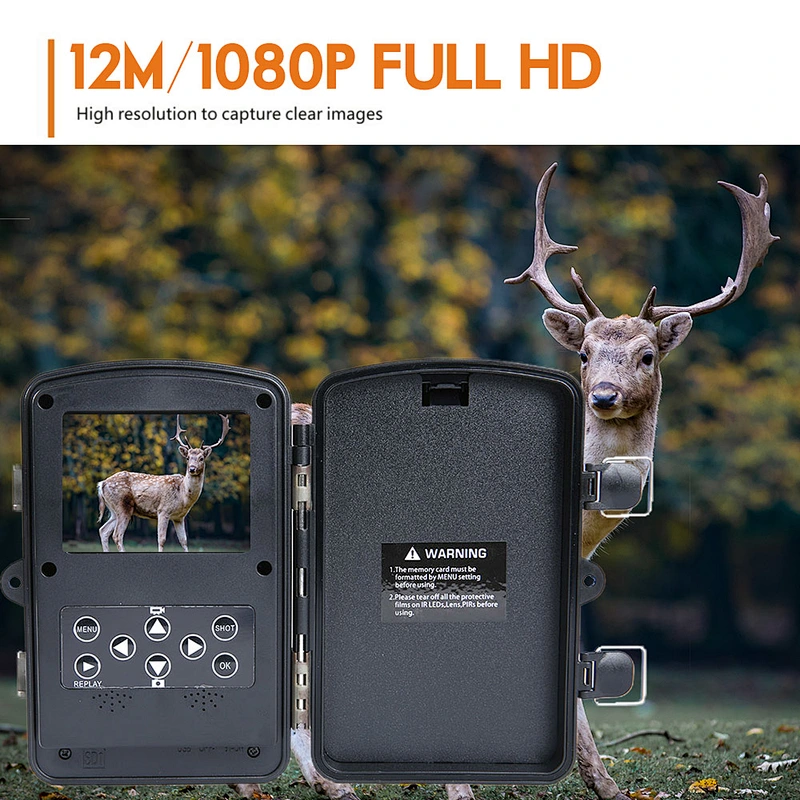
- Image Sensor:5 Mega Pixels Color CMOS
- Image resolution:12MP/8MP/5MP
- Video Resolution:1080P/720P/VGA
- Trigger time:0.2s-0.6s
- LCD Screen:2.4 Inch TFT Color Screen
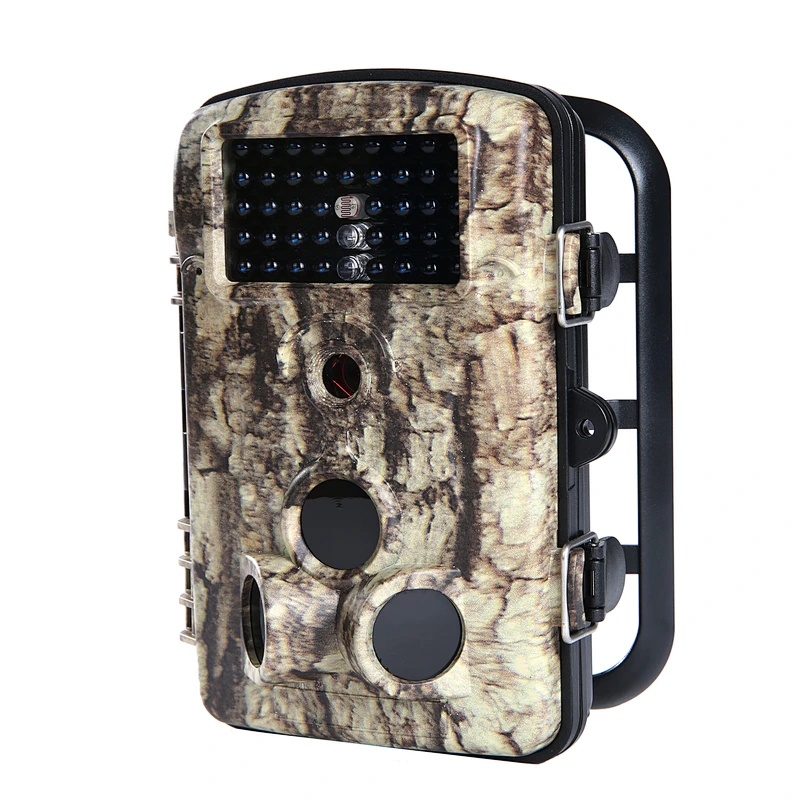
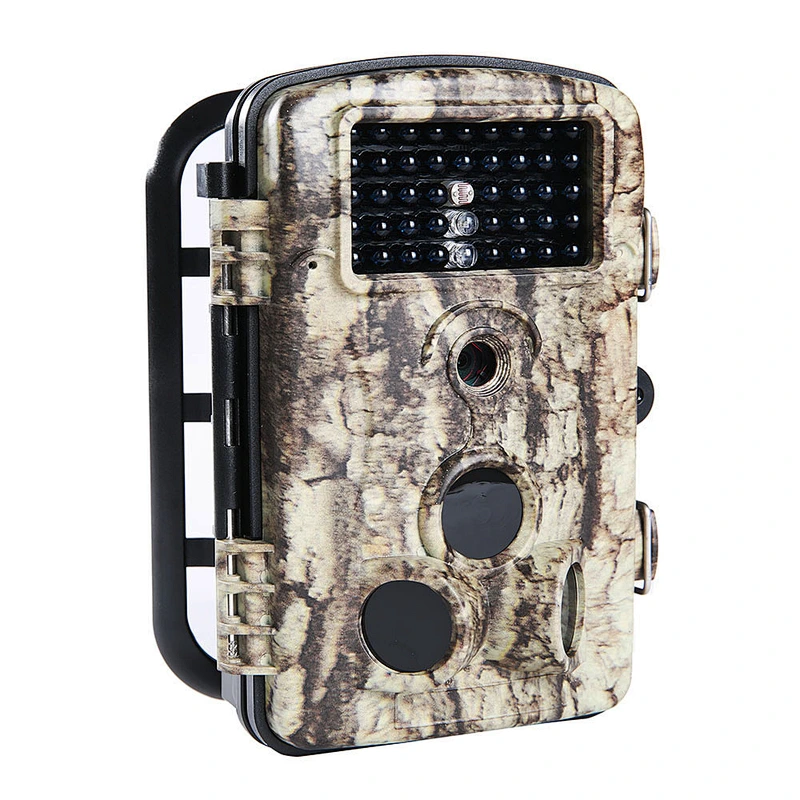
- IR LED:42PCS 850nm
- Memory:up to 32G
- Waterproof:IP 56
- PIR Distance:80ft/25 Meters
- Certificate:CE FCC RoHs

| PH730S Specifications | |
| Image sensor | 1/2.5-inch 5MP (2592*1944) CMOS |
| photo resolution | 12MP |
| 8MP | |
| 5MP | |
| 3MP | |
| Video resolution | 1080P: 1920x1080P |
| 720P: 1280x720P | |
| D1: 720x480P | |
| VGA: 640x480P | |
| QVGA: 320x240P | |
| File format | JPG/AVI(H.264) |
| Lens | Focal Length=7.2mm, F/NO=2.8, View Angle=56° |
| TFT LCD Display Screen | 2.4"TFT 480(RGB)*234DOT 16M color |
| Interface | External : TV out (NTSC/PAL,Mini USB) ; Mini USB ; SD card holder (SD card up to 32G) ; 6V DC Power Jack |
| Photo series | 1 photo |
| 2 photo in series | |
| 3 photo in series | |
| Quantity of IR LED | 42 pieces, 850NM Black |
| Range of IR flash | 25m/80ft |
| Triggering distance | 25m/80ft |
| Prep PIR sensing angle | 120° |
| Triggering time | 0.2 - 0.6 seconds |
| Trigger interval | 5 seconds-60 minutes/programmable |
| Video length | 1s- 60s , 1m-10 minutes/programmable |
| Mode | Photo/Video/Photo&Video |
| Photo stamp | Date&Time/Date/Off |
| Time-lapse | On/off/time-lapse programmable |
| Target recording time | 0 second - 24 hours |
| Device serial no | 4 digits or 26 alphabets set by user |
| Built-in microphone/speaker | Yes |
| Auto-distinguish images | Color images in daytime/black and white night images |
| Automatic screen saver | in 2 minutes |
| Power supply | 4-8 pieces AA batteries/DC 6V -1.5A power adapter |
| Standby time | Approx 12 months |
| Lockable | Optional |
| Password protection | 4-digit numbers |
| Waterproof standard | IP56 |
| Operating temperature | -20 to 60°C |
| Operating humidity | 5%-90% |
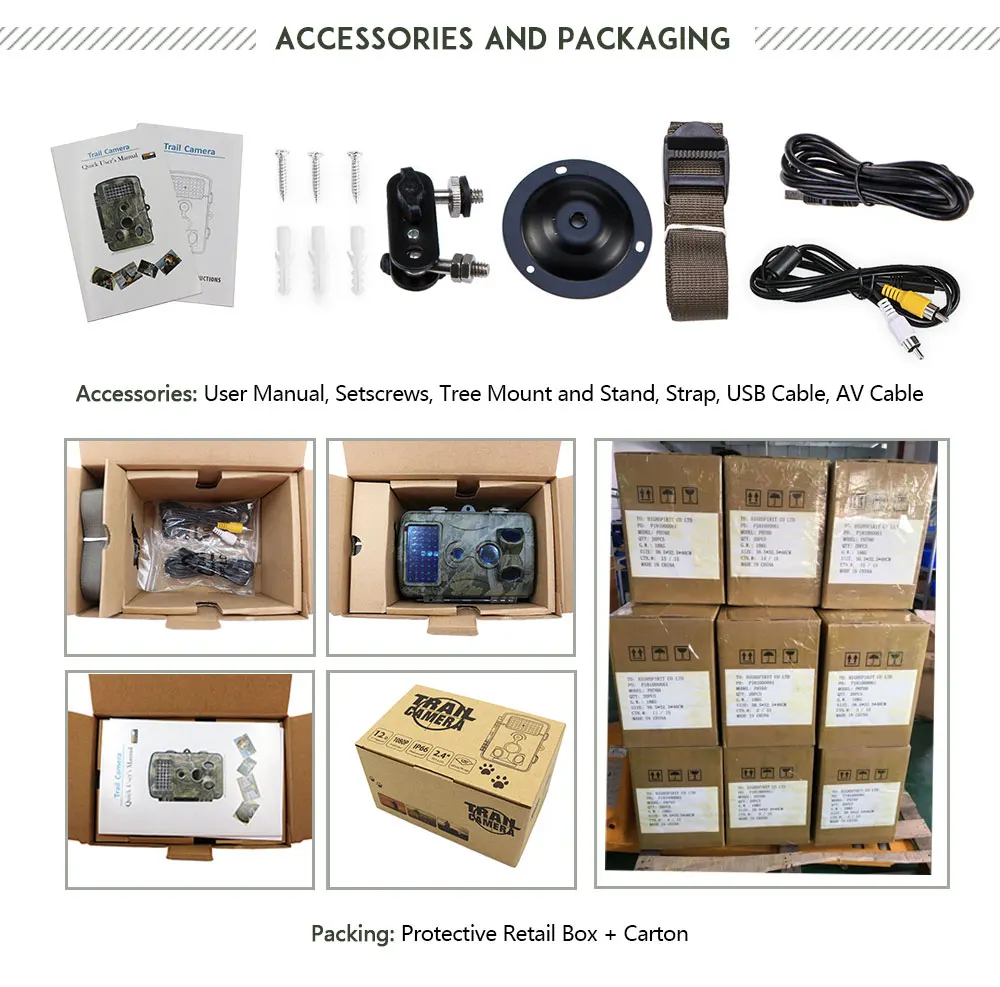
| Accessory includes | Mini USB cable, Audio&Video cable , Iron bracket, Bandage, Setscrews, User manual |
| Camera dimension | 136 x 98 x 76mm |
| Camera net weight | 270G |
| Gift box size | 180*122*104mm |
| Carton size and weight | 20PCS/CTN, 37.5*31.8*43.5cm, 14KG |
| Certificate | CE, ROHS, FCC, WEEE |



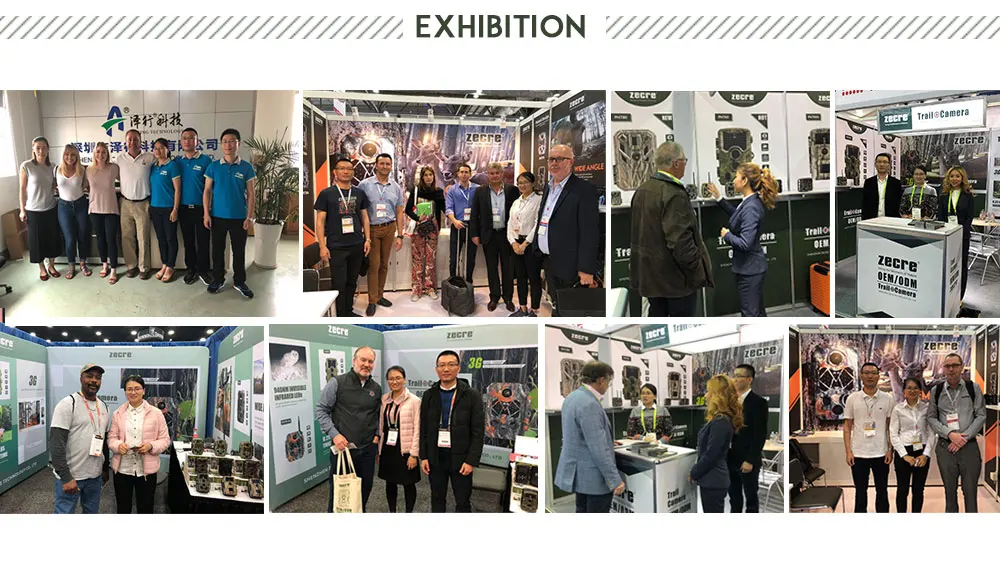
Shenzhen Zecre Technology Co., Ltd was founded in 2016, covering an area of 1600 square meters. We are an innovative high-tech company, integrating R&D team of both hardware and software, manufacturing, sales and technology support. We specialize in outdoor sports digital devices and smart home products, including hunting cameras, courtyard cameras, and other relative image and video products.
We provide reliable ODM/OEM service for domestic and oversea clients. All our products are approved by CE, FCC, RoHS, MSDS and IP56 waterproof certified. All our designs are identified in European Union Intellectual Property Office, China Mainland and United States, as well.
We uphold a strict quality control earn trust from clients and a broadening market. Our products are available in over 100 countries and regions, and positive feedback received from all our clients. Looking forward to cooperating with you and striving to reach our win-win business era.

Packing
With years of export experience along with excellent quality, advanced services and competitive prices, Zecre has won numerous customers' trust and support.
Delivery
With years of export experience along with excellent quality, advanced services and competitive prices, Zecre has won numerous customers' trust and support.
Q: When I turn it on it starts counting down from 15 and then shuts off. Why?
A: Please complete all the setting in"TEST"mode and then change it to"ON"mode for working. The LCD screen will count down from 15s and then shuts off to save the power and enter into detecting condition, during recording, no any button can work, any setting or operations must be done in"TEST"mode.
Q: The camera makes some clicking sound when it's working.
A: When the camera detect a critical point of brightness and darkness, the IR CUT will try to switch, please move the lens to a brightness or darkness, it will stop switching and making clicking sound.
Q: How can I format my SD card?
A: Please Kindly format your SD card by going to"TEST"mode, click"MENU"-"Setting"-"Format memory card".
Q: The camera won't turn on.
A: Please check the battery if it was installed properly in a correct way, if you want to test the camera, make sure the switch is on the"TEST"mode (center). Also check the battery if it is in a power conditioned.
Q: The buttons are not working.
A: Please try to switch off again the camera and turn it on again. If the problem stays, try to Reset the camera to default factory settings.
Q: It said SD card is Error.
A: Upload the SD card. Please format the SD card at the first time of use, make sure it's unlocked. Also, make sure that the SD card is new and have enough storage available.
Q: The image is not clear.
A: Please make sure that you remove the screen film protector from the factory to obtain clear images. Clean the lens with soft and dry fabrics.
Q: I did not get any good capturing results./Too many useless images
A: Please check the sensitivity of your PIR sensors, as this function may responsible about capturing methods.
Q: I can't close the inner compartment.
A: Please make sure that the closing parts has no dirt or any small things blocking on it or it was not broken.
Q: Can't recognize by the computer.
A: Make sure that cable connector is working fine, no cuts and opening to avoid malfunctions.
Q: Photos do not capture subject of interest.
A: There are the result of placing the camera in an environment where there is motion associated with tree branches creating motion or an area where there is high heat in the foreground and any motion from wind. Setting a camera up over water is also a potential cause from this issue. To remedy this situation:
1.Try moving the camera to an area that does not have any of these issue.
2.If the camera continues to take images of no interest subject, try placing the camera in an inside environment and aiming at a location where there is no motion.
3.If the camera continues to show issues, please contact our customer service.
Q: Battery life is shorter than expected.
A: 1. Battery life will vary with operating temperature and the number of images take over time. Typically, the camera will be able to capture several thousand images before the battery die.
2. Check to make sure you have used new alkaline batteries.
3. Make sure that the power switch was turned to ON position, not in the TEST mode.
Q: Camera won't take images.
A: 1. Please make sure that the SD card is not full. If the card is full, the camera will stop taking images.
2. Check the batteries to make sure that they are new alkaline.
3. Make sure that the camera power switch is in the ON position, not in OFF or TEST modes.
4. If the SD card has its write protect switch in the lock position, the camera will not take images.
5. If you have used an SD card in another device before, you might try to format the card before using.
Q: Camera won't power up.
A: 1. Make sure that you have installed at least a full set of 4 batteries in correct position.
2. Make sure that the batteries are installed correctly, observing proper polarity.
3. After moving the switch from OFF to TEST or ON, make sure that the switch is correctly in position to ensure the proper mode.
4. Don't move the switch directly from ON to TEST, always move the switch all the way down to OFF first, then back to TEST.
Q: Still photo and/or video quality problems.
A: 1. Night photos or videos appear too dark.
a. Check the battery indicator icon to see if battery power is full. The flash will stop operating near the end of the battery life.
b. You will get the best results when the subject is within ideal flash range, on farther than 20m.
c. Please note that when the capture number parameter is set higher than"1 photo", or with very short interval settings, some images may appear darker than others due to the quick response and rapid re-triggering of the camera, allowing less time for the flash to fully recharge before firing again.
2. Daytime photos or videos appear too dark.
Make sure that the camera is not aimed at the sun or other light sources during the day.
3. Night photos ore videos appear too bright.
Subject may appear too bright at closer distances.
4. Daytime photos or videos appear too bright.
Make sure that the camera is not aimed at the sun or other light sources during the day.
5. Photos with streaked subject.
a. In some cases with low lighting conditions and fast moving subjects, the 8MP or 12MP resolution settings may not perform as well as the 5MP setting.
b. If you have multiple images where fast moving subjects produce streaks on the photo, try the 5MP setting instead.
6. Short video clips - not recording to the length set.
a. Check to make sure that SD card is not full.
b. Make sure that the camera has good batteries in it. Near the end of the battery life, the camera may choose to record shorter video clips to conserve power.
Q: Date/Time Stamps not appearing on images.
A: Make sure that the time stamp parameter is set to"ON"
Q: PIR Sensor LED Flashes/Doesn't Flash.
A: 1. When the camera is in the TEST mode, a special LED on the front of the camera will flash when it senses motion. This is for setup purpose only and will help the user aim the camera.
2. During use, the LED will not flash when the camera takes an image. This is to help keep the camera hidden from game.
Q: Camera won't retain settings.
A: Make sure that you have been saving the changes to any parameter settings that you made while in Setup mode, by pressing OK after changing the setting.
Q: Moisture or Ants inside Camera.
A: 1. To ensure humidity or rain is kept out of the camera secure the DC in plug firmly in place.
2. Ants can be attracted by low level electronic vibrations, and enter through any gaps between the exterior and interior of the camera. Make sure the DC in plug is securely attached.
Q: I tried all the suggestion but it doesn't help at all
A: Please contact our after sales department by email or call.